Written by Denys Havryliak
Apple Watch App Development: A Founder's Guide for 2026
Apple Watch app development in 2026: when watchOS makes sense, real costs, realistic timelines, and how to pick a development partner that ships native.
TL;DR
- Apple Watch is still the dominant smartwatch platform in 2026 — watchOS leads global smartwatch revenue share, with Apple having shipped over 200 million units lifetime
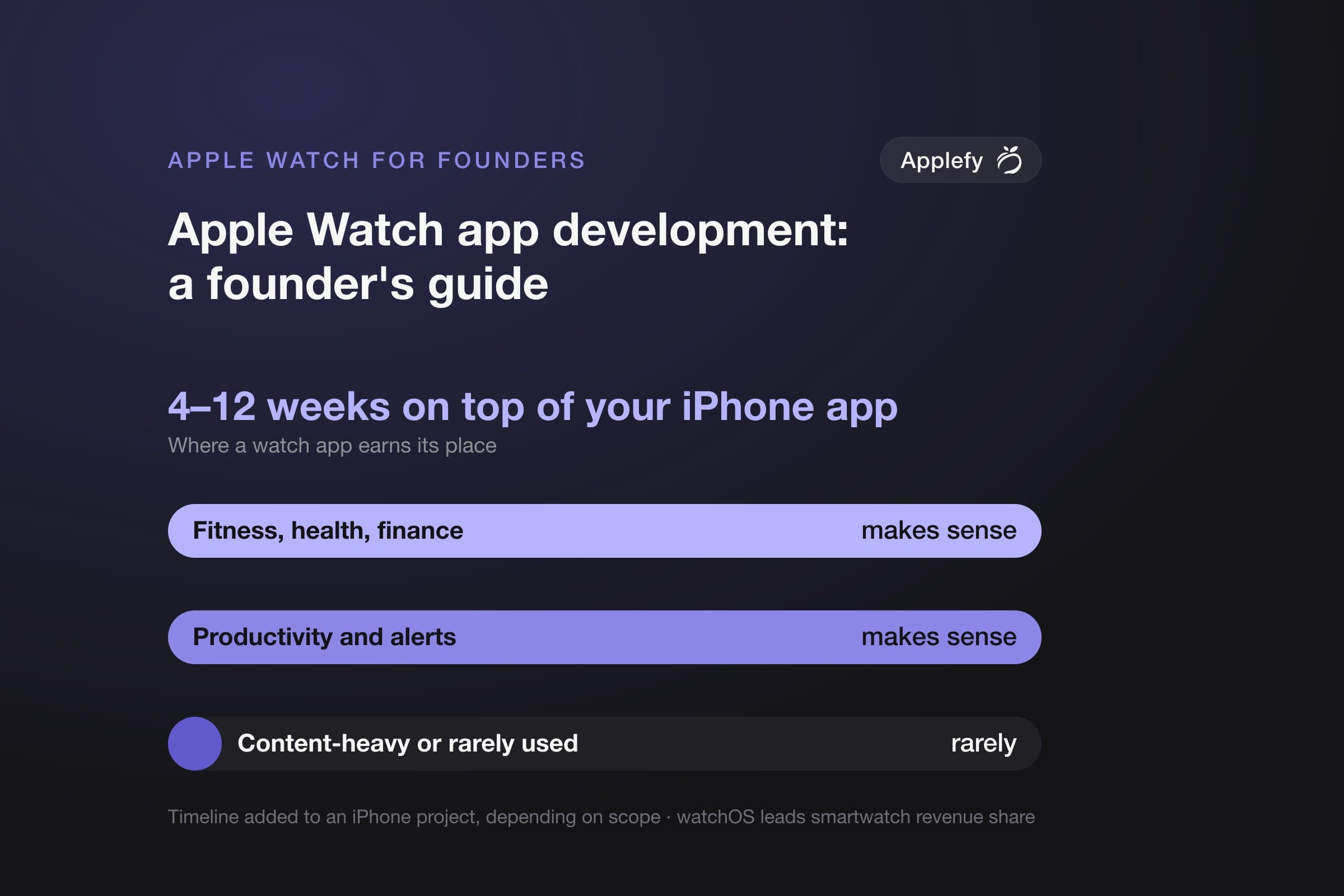
- watchOS makes sense for fitness, health, finance, productivity, and notification-driven apps. It rarely makes sense for content-heavy or rare-use apps
- Typical cost: $15K–80K depending on whether the watch app is a companion or fully native standalone
- Typical timeline: 3–8 weeks added to an iPhone project, depending on scope
- Applefy is a Valencia-based mobile development studio that ships native watchOS apps as part of our standard iOS engagements
We ship native watchOS apps in Swift and SwiftUI alongside our iOS work, and most of our recent client engagements include a watch component.
Apple Watch is the most successful wearable computer ever shipped. In 2026, it's still the platform clients ask about most when they want to extend their iPhone app to the wrist.
This guide covers what every founder should know before commissioning a watchOS app: whether it makes sense for your product, what it actually costs, how long it takes, and how to pick a partner who builds native rather than shipping a stripped-down iPhone view.
Is Apple Watch Still Worth Building for in 2026?
Yes, with caveats.
Apple has shipped over 200 million Apple Watches since launch. watchOS dominates the smartwatch category by revenue and active users. The Series 10 and Ultra 3 lines extended the platform's sensor capabilities (sleep apnea detection, blood oxygen, ECG, advanced workout tracking), making the watch a serious sensor device, not just a notification surface.
The caveat: the watch is not a place to ship anything. Some app categories thrive on the wrist. Most don't. We cover this in detail in our Apple Watch app ideas guide.
When watchOS Makes Sense for Your Product
Four categories where watch apps consistently work:
- Fitness and health. The watch sits on the user's body during workouts. HealthKit and the Workout API provide real-time heart rate, GPS, and motion data. This is the strongest watchOS use case. (See our watchOS health and fitness guide.)
- Notification-driven apps. Anything where a glance saves the user from pulling out their phone. Calendars, alerts, transit, two-factor codes, smart home controls.
- Finance and trading. Quick balance checks, transaction confirmations, payment approvals. Apple Pay and complications integrate cleanly.
- Productivity for hands-busy contexts. Field workers, healthcare staff, kitchen workers, delivery drivers. The watch wins because the phone is in a pocket or unavailable.
When watchOS Doesn't Make Sense
Be direct: most apps shouldn't have a watch version.
- Content consumption apps. Reading, browsing, video, social feeds. The screen is too small. The interaction model is wrong.
- Rare-use utilities. If users open your iPhone app twice a month, they will open your watch app never.
- Apps that depend on long input. Forms, search, heavy text entry. Nobody types on a watch.
- Standalone apps with no sensible glance use. If it can't fit in 2–3 seconds of attention, it shouldn't be on a watch.
Building a watch app for the wrong category isn't just wasted budget. It dilutes your iPhone app's perceived quality — a bad watch app is worse than no watch app.
What watchOS Development Actually Involves
Modern watchOS development in 2026 is Swift and SwiftUI. WatchKit, the legacy framework, is deprecated for new apps. Apps run independently on the watch (with Series 4 and later) or as companion extensions to an iPhone app.
Key technical components a watchOS app uses:
- SwiftUI for UI, with watchOS-specific layouts and navigation patterns
- HealthKit for health and workout data
- WidgetKit for complications (the small data points on a watch face)
- WatchConnectivity for talking to the iPhone app
- Background tasks and refresh APIs for keeping data current without draining battery
- Always On Display optimizations for Series 5 and later
Building all of this well requires senior iOS engineers who understand the platform's constraints — not just porting iPhone code to a smaller screen.
Cost and Timeline at a Glance
| Watch app type | Cost | Timeline added |
|---|---|---|
| Simple companion (notifications, basic complications) | $15K–25K | 1–3 weeks |
| Standard native (own UI, syncs with iPhone) | $25K–50K | 3–6 weeks |
| Standalone fitness or health app | $50K–80K+ | 5–8 weeks |
| Independent app with own backend | $60K–80K+ | 6–10 weeks |
For full pricing detail, see our Apple Watch development cost guide.
How to Pick a watchOS Development Partner
Three filters separate real watchOS studios from teams who'll struggle:
- Native Swift and SwiftUI experience, not WatchKit-only. The legacy framework is being phased out. Any partner pitching WatchKit for new development is behind.
- Shipped watch apps in the App Store. Not designs. Not concepts. Live, downloadable apps that have passed Apple's review.
- HealthKit and sensor experience if your app touches health data. The privacy and accuracy requirements are stricter than general iOS work.
Why Applefy for watchOS
We're a Valencia-based mobile development studio specializing in native iOS, watchOS, and Android. Apple Watch development is part of our standard engagement — not an afterthought we outsource.
- Native Swift and SwiftUI. Every watchOS app we ship is written in modern SwiftUI. We don't ship WatchKit code for new projects.
- Senior engineers, no handoffs. The engineer who scopes your watch app builds it. (See our iOS hiring guide for what senior actually means.)
- Built for the long term. Architecture decisions made on day one decide whether maintenance costs $2K or $20K per release in year three.
- Honest scoping. If your idea doesn't make sense as a watch app, we'll tell you in the first call.
Book a free first consultation: applefy.tech
Frequently Asked Questions
How long does Apple Watch app development take in 2026?
3–8 weeks added to an iPhone project, depending on scope. A simple companion app adds 1–3 weeks. A full native standalone app adds 5–8 weeks.
Can I build an Apple Watch app without an iPhone app?
Yes. Independent watchOS apps have been supported since watchOS 6. The user installs the watch app directly from the App Store on the watch. But most successful watch apps still pair with a phone app for setup, account management, and detail views.
What does an Apple Watch app cost in 2026?
$15K–80K depending on scope. Simple companion: $15K–25K. Standard native: $25K–50K. Standalone fitness or health: $50K–80K+. (See our cost guide.)
Should my watch app be native or built with React Native or Flutter?
Native. Apple's cross-platform support for watchOS is limited; React Native and Flutter both have weak watch support in 2026. Native Swift and SwiftUI is the only serious answer for production watchOS apps.
Who builds Apple Watch apps in Spain or Europe?
Applefy is a Valencia-based studio that ships native watchOS apps as part of our iOS work. We work with clients across the EU, UK, and US. Other Spanish studios cover mobile but few specialize in watchOS specifically.
How does watchOS pricing compare to a separate iPhone app?
A watch component typically adds 25–50% to an iPhone project's cost. A standalone watchOS-first app costs roughly the same as a moderate iPhone app, $50K–80K range.
What programming language is used for Apple Watch development?
Swift, with SwiftUI as the UI framework. Objective-C still runs on the watch but new development is Swift. (See our Swift guide.)
Do Apple Watch apps require their own App Store submission?
Watch apps bundle with their iPhone app submission for companion apps, or submit independently for standalone apps. Apple's review process applies the same way as iPhone apps.
Can I add a watch component to an existing iPhone app?
Yes. Adding a watch extension to a live iPhone app is a standard Applefy engagement. We assess the existing codebase, scope the watch component, and ship in 3–7 weeks depending on complexity.
What's the worst mistake founders make with watch apps?
Building a watch version of an app that has no business being on a watch. The watch is not a smaller phone. If your iPhone app doesn't have an obvious glance-or-2-second use case, building for watchOS will not improve adoption.
Related articles
- Apple Watch App Development Cost: What Building for watchOS Actually Costs in 2026Development
- Apple Watch App Ideas That Actually Make Sense in 2026Development
- Designing for Apple Watch: HIG Constraints and Tradeoffs (2026)Development