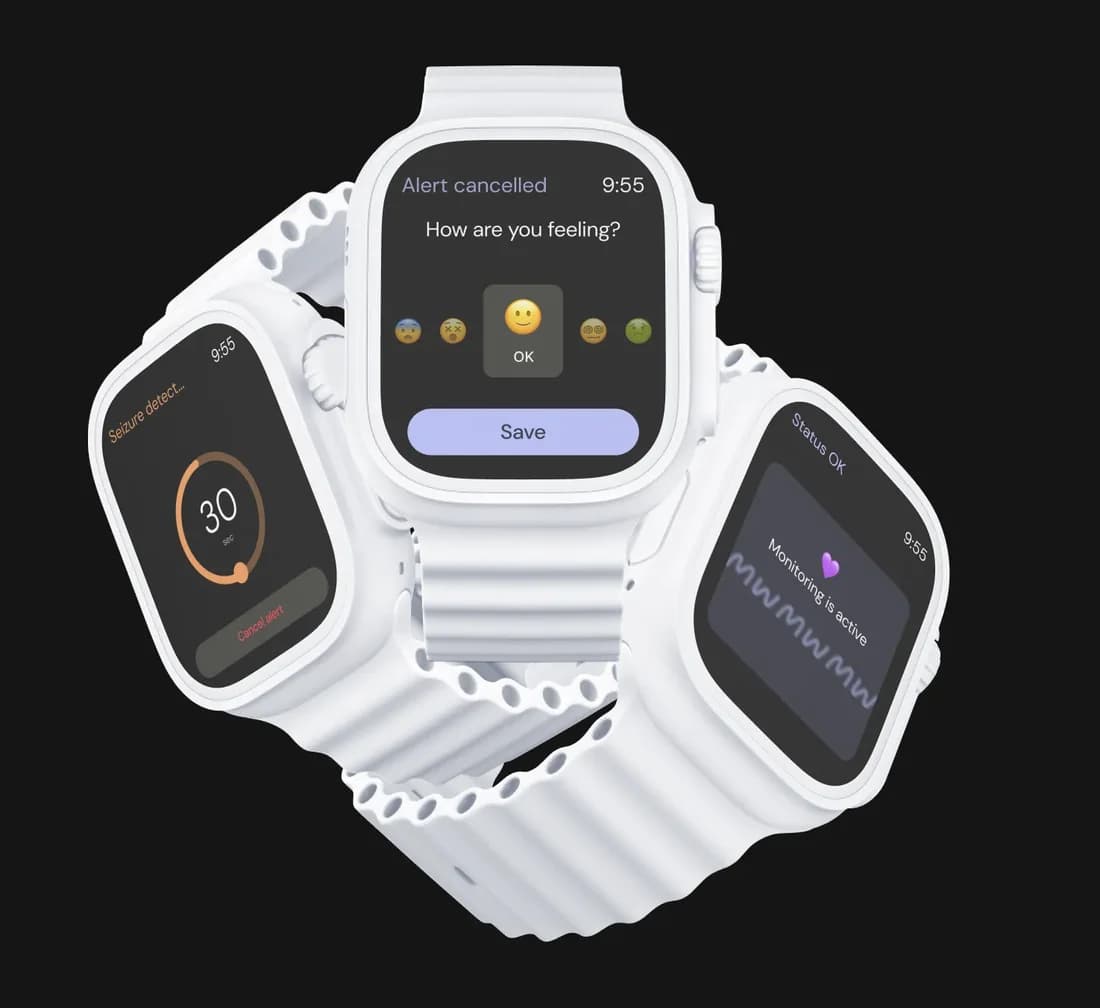
watchOS apps, built for the wrist
Glanceable SwiftUI interfaces, HealthKit workouts, and complications — built native for Apple Watch and shipped to the App Store.
Why watchOS
Apple Watch is the most personal device Apple makes — always on the wrist, always sensing. A custom watchOS app turns glances, taps, and health data into a product people reach for dozens of times a day.
Glanceable, on-wrist experiences
watchOS interfaces are designed for interactions measured in seconds — SwiftUI layouts, the Digital Crown, and gestures that surface the one thing a user needs, right when they raise their wrist.
Health, fitness & sensors
HealthKit, the workout APIs, heart rate, and motion sensors give your app a live read on the wearer — the foundation for fitness, wellness, and clinical products that only the watch can deliver.
Complications & always-on
WidgetKit complications put your data straight on the watch face and the always-on display, keeping your product one glance away without ever opening the app.
Timely notifications & actions
Rich, interactive notifications and quick actions let users respond from the wrist — a tap to confirm, log, or act, without reaching for the phone.
Independent, connected apps
Modern watchOS apps run on their own — with cellular, Wi-Fi, and WatchConnectivity syncing to the iPhone when it is there and standing alone when it is not.
Native performance & battery
Built in Swift and SwiftUI against the native watchOS SDK, apps stay fast and power-efficient — respecting the watch’s tight energy and interaction budget by design.
What we deliver
watchOS App Strategy
We define what belongs on the wrist versus the phone, map the health and connectivity data flows, and scope a watchOS app that earns its place on the wearer’s wrist.
UX/UI for the Wrist
Interfaces designed to watchOS conventions — glanceable layouts, Digital Crown navigation, and complications — with a component system that stays on-brand at watch scale.
Native watchOS Development
A native app engineered in Swift and SwiftUI on the watchOS SDK — HealthKit, workouts, complications, and WatchConnectivity wired to your iPhone app and backend.
Testing & App Launch
On-device QA across Apple Watch models and sizes, then App Store release, monitoring, and ongoing support as watchOS evolves each year.
Process
- 01
Discover
We learn your users, their wrist-first moments, and your goals to decide what the watch app should do and to define a clear roadmap.
- 02
Design
Wireframes, interactive prototypes, and a SwiftUI component system validate glanceable flows and complications before engineering begins.
- 03
Deliver
Engineer, test, and release a native watchOS app tuned for performance, battery, and a native feel on the wrist.
The watchOS ecosystem
The Apple technologies we build on — each links to its official home.
Common questions about Apple Watch app development
Glanceability. A watch interaction lasts seconds, so the app has to surface the one thing that matters now — which is a design constraint before it is an engineering one.
Yes. Standalone watchOS apps run independently, and on cellular models they stay connected without the phone. Where syncing matters, WatchConnectivity keeps the two in step.
Yes — HealthKit, workout sessions, and the background execution that live activity tracking needs.
The small elements on the watch face itself. They keep your app visible without being opened, including on the always-on display, and are usually the highest-value surface a watch app has.
It is a constraint we design against — background work, refresh cadence, and always-on rendering are budgeted deliberately rather than left to chance.
Explore other services
Book a call with our CEO

Denys Havryliak
Founder & CEO
- 10+ years in Software Engineering
- Master’s in Cybersecurity
- Deep, current knowledge of AI tooling
You’ll talk to the person who builds. Denys works hands-on across product, architecture, and delivery — and keeps a close watch on what today’s AI tooling can genuinely do in production, not just in a demo.