Native apps in Swift & Kotlin
iOS apps in Swift and SwiftUI, Android apps in Kotlin and Jetpack Compose — each built on its own platform, by one team from design to store release.
Why native
A native app is written with its platform’s own language and UI framework, so no cross-platform layer sits between your product and the operating system.
Every platform API, on day one
Widgets, Live Activities, App Intents, health and payment frameworks — new iOS and Android capabilities are usable the day Apple and Google ship them, not when a third-party plugin catches up.
Performance where it counts
Swift and Kotlin compile to native code and drive the platform’s own UI, which is what holds up in long lists, real-time data, camera and media work, and on older devices.
It feels like the platform
SwiftUI and Jetpack Compose use the system’s own controls, so navigation, gestures, text input and accessibility behave exactly as iPhone and Android users expect.
Deep hardware and OS integration
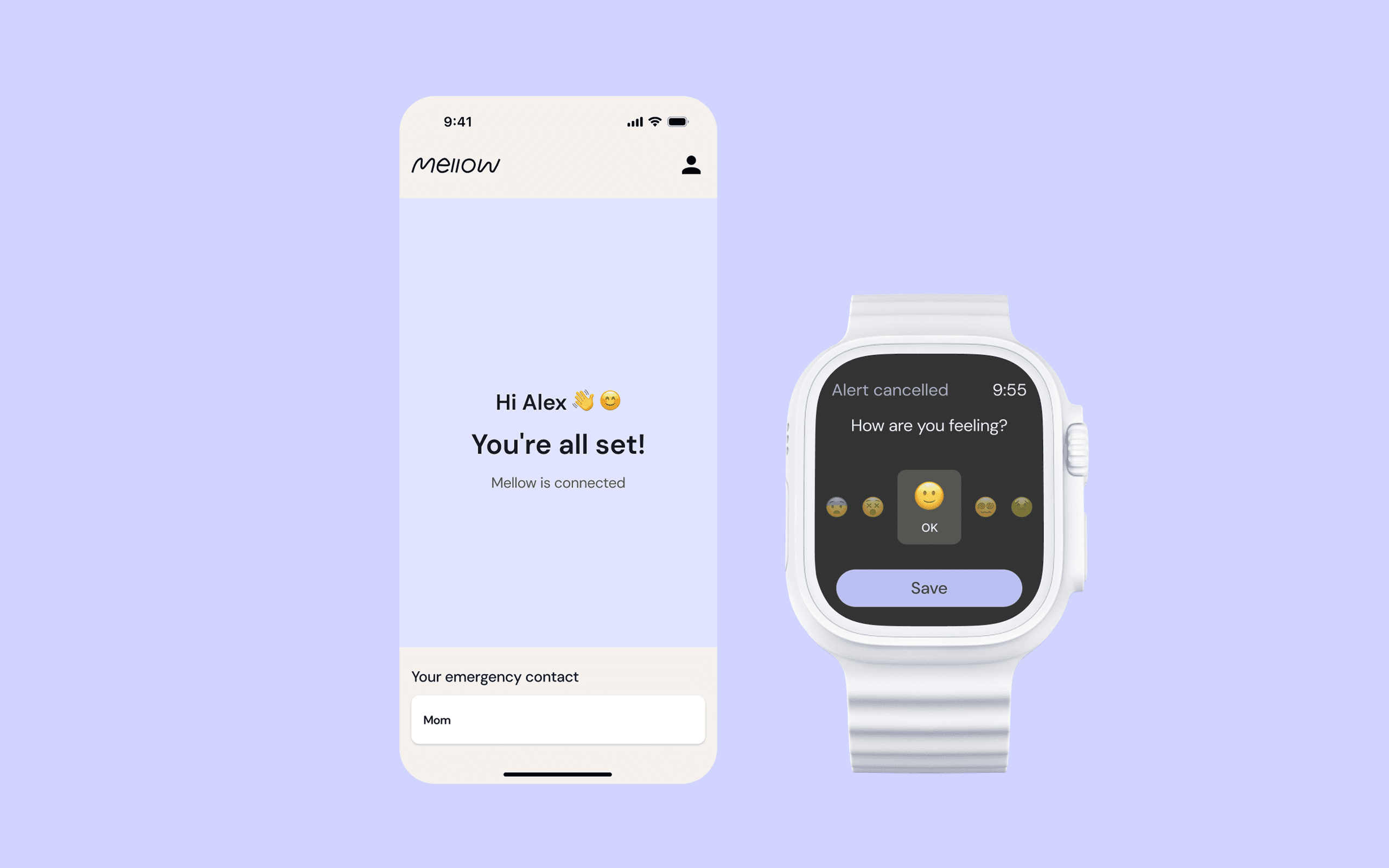
Bluetooth, background location, NFC, sensors, push, and companion apps for Apple Watch are first-class APIs in a native app, not features reached through a bridge.
Security for regulated products
Keychain and Android Keystore, biometric sign-in, certificate pinning and platform encryption are called directly — the route we take for fintech and health apps.
Follows every OS release
Swift and Kotlin are the languages Apple and Google recommend for their platforms, so a native codebase moves with each iOS and Android release instead of waiting on a framework’s roadmap.
What we deliver
Native App Strategy
We confirm native is the right call, decide which platform ships first, and define what the first release must do — before any code is written.
iOS Development in Swift
Swift and SwiftUI, with UIKit where it is still the better tool, Swift concurrency, and Apple frameworks from StoreKit to HealthKit.
Android Development in Kotlin
Kotlin and Jetpack Compose, coroutines and Flow, and the Jetpack libraries for navigation, local storage and background work.
Testing & Store Release
Unit and UI tests on real devices, then App Store and Google Play submission, release builds, and support after launch.
Process
- 01
Discover
We learn your product, users and constraints, and confirm native is the right path — or tell you when a cross-platform build would serve you better.
- 02
Design
Wireframes and prototypes follow Apple’s Human Interface Guidelines and Google’s Material Design, so each app feels at home on its platform.
- 03
Deliver
The iOS and Android apps are built in parallel against one backend and API contract, tested on real devices, and released to both stores.
The native toolchain
The languages and UI frameworks we build with — each links to its official home.
Case studies
Common questions about native app development
When the app depends on device hardware, background work, or deep OS features such as widgets, health data or payments, or when it has to feel exactly like its platform. If one straightforward product needs to reach both stores on a tight budget, Flutter or React Native is often the better call, and we will say so.
Yes — one in Swift for iOS and one in Kotlin for Android. They share a backend, an API contract and a design system, and one team plans both, so features reach both platforms together.
Yes. Many products launch on one platform first. We also take over and extend existing native apps after auditing the codebase.
Yes, gradually. Both frameworks work alongside UIKit and Android Views, so screens move over one at a time while the app keeps shipping.
You do. The repositories, signing certificates, and App Store and Google Play accounts stay in your name.
Explore other services
Book a call with our CEO

Denys Havryliak
Founder & CEO
- 10+ years in software engineering
- Master’s in cybersecurity
- Deep, current knowledge of AI tooling
You’ll talk to the person who builds. Denys works hands-on across product, architecture, and delivery — and keeps a close watch on what today’s AI tooling can genuinely do in production, not just in a demo.